Redaction means the content is gone from the file
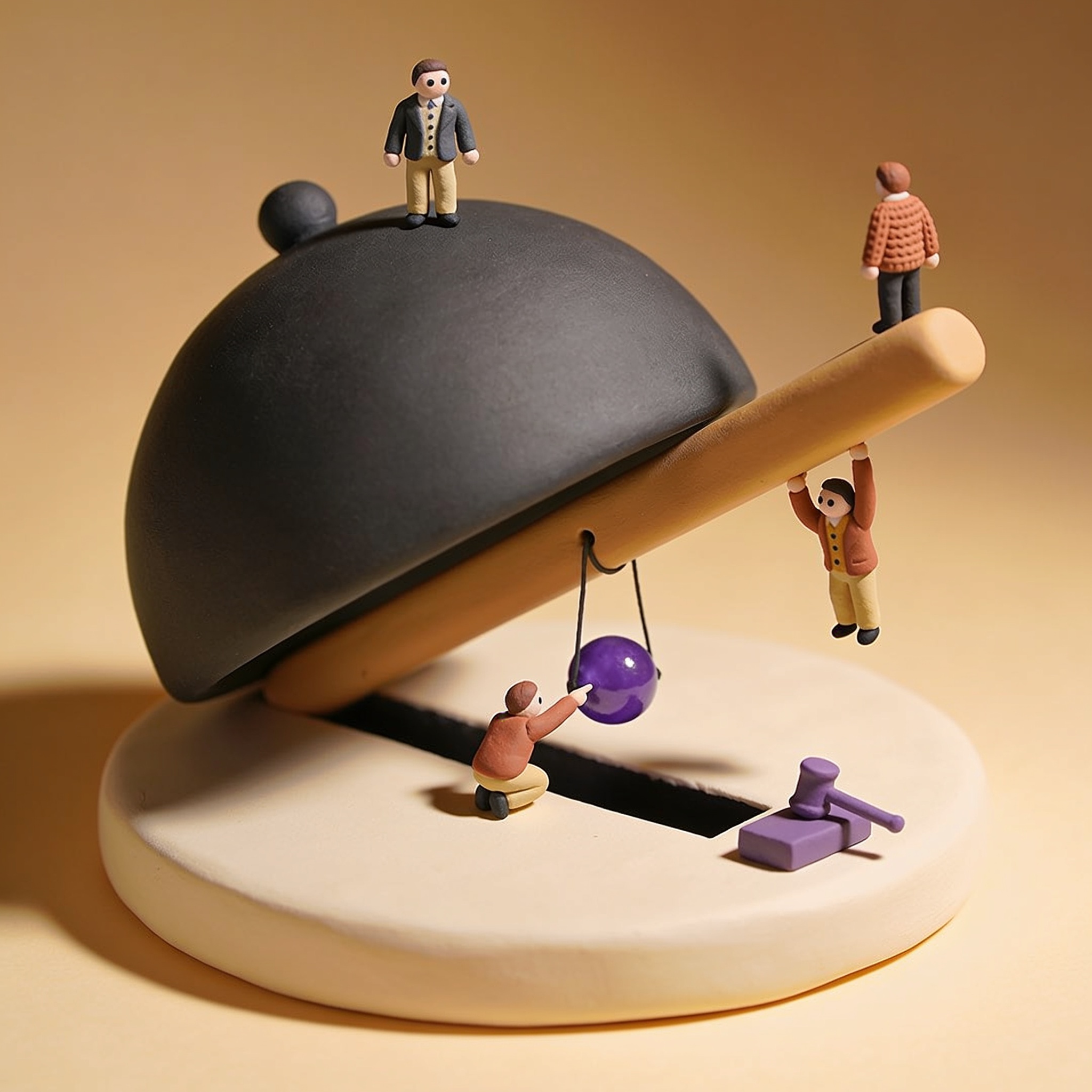
To redact a document is to remove information from it. Not hide it, not cover it: delete it. A black rectangle drawn over a name is a separate instruction added to the file, telling a reader to paint a dark shape at those coordinates. The name is still there underneath, stored as text a computer can read, and anyone who receives the file can get it back.
That gap between what a page looks like and what a file contains is where the mistakes live. Most documents a property manager shares keep text as text: leases, rent ledgers, applications, credit summaries, inspection reports, owner statements. Black something out in one of those and you have changed the picture, not the contents.
A document carries three layers, and you only see one
- The visible marks. What renders on screen, including any shapes, highlights or annotations sitting on top of the page.
- The content underneath. The text objects, image data and, on a scanned page that has been through OCR, an invisible text layer sitting behind the picture of the page.
- Everything around it. Metadata and leftovers: author name, original filename, comments, tracked changes, form field values, attachments, and content from earlier saves.
Adobe's own list of what its sanitize step strips out is a fair description of how much a PDF can hold without showing you any of it: metadata, embedded content, attached files, hidden layers, stored form data, comments and annotations, hidden data from previous document saves, obscured text and images, and overlapping objects. A black box is an overlapping object.
A federal court case shows exactly how this happens
In early 2021 the Government of Canada disclosed roughly 200 pages in a Federal Court case, and the redactions came off in an ordinary PDF reader. The receiving lawyer spotted it the day the documents arrived.
According to affidavits reported by CBC News, Canada Border Services Agency staff had highlighted the sensitive text and changed the highlight colour from yellow to black. The affidavit describes the result in careful language: the information is "superficially obscured, although this is not a permanent method for redacting sensitive information." An Immigration, Refugees and Citizenship Canada analyst working from home during the pandemic said she "was not aware that the information under the black marks I added in [Microsoft] Word could be read once converted to PDF."
These were people whose job included redacting documents, using the tools in front of them. The failure is not carelessness. It is a reasonable and wrong assumption about what a black rectangle does.
The five covers that leave the content behind
- Black highlighting. The highlight is a colour applied to text that is still text.
- A filled shape dropped on top. Selectable, movable, often deletable by the recipient.
- White text on white. Invisible on screen, perfectly readable to a search or a copy and paste.
- Covering it in Word, then exporting to PDF. The export carries the text and the shape across as two separate things.
- Cropping a photo. Microsoft states it plainly: after you crop a picture, the cropped parts are hidden but remain as part of the picture file until you use Compress Pictures and tick "Delete cropped areas of pictures." Crop a licence plate or a neighbour's window out of a unit photo and the pixels stay in the document.
Test the file in under a minute
Run this on the exact copy you are about to send, not on the source.
- Search it. Open the PDF, press Ctrl+F or Cmd+F, and search for the name, phone number or dollar amount you redacted. A hit means the redaction failed.
- Copy it. Select all the text on the page, copy, and paste into a plain text editor. Read what lands there. This catches content a search misses.
- Poke the box. Click the black mark and try to drag it. If it selects or moves as an object, it is an annotation sitting on top of live content.
- Read the properties. Check document properties for the author, the title and the original filename. Those travel further than people expect.
A search that finds nothing is weaker evidence than it feels. A scanned page with no text layer will not answer a search either way, so pair it with the copy test.
Three ways to remove it for real
- A genuine redaction tool. Acrobat Pro and several other PDF editors have a two step redact: mark the areas, then apply. Marking changes nothing. The apply step is what deletes the content. Follow it with the sanitize step to clear metadata and the rest.
- Flatten to pixels. Export each page as a raster image and rebuild the PDF from those images. It is blunt and it costs you searchable text, but an image has nothing underneath it. Confirm the output is a true raster and not a picture floating over live text.
- Print, mark, scan. Slow, and it still works, provided the marker is opaque and you do not run OCR afterwards.
In Word, File then Info then Check for Issues then Inspect Document will clear comments, tracked changes, hidden text and document properties. Microsoft also states the limit: the inspector cannot detect objects that are covered by other objects. Your black rectangle is one of those objects. Inspect Document handles metadata. It does not redact.
Where this lands in property management
The documents most likely to go out with a failed redaction are the ones shared sideways rather than published:
- An application or credit summary forwarded to an owner with the co-applicant's details covered.
- Evidence filed at a tenancy board, which the other side receives in full.
- A ledger sent to an insurer or a collection agency with other units' lines blacked out.
- An incident report shared with a contractor or a condo board that names residents who were not involved.
- A rent roll handed to a lender or a prospective buyer during a sale.
Every one of these goes to a named recipient, which is why it feels lower risk than posting something publicly. It is not. The recipient keeps the file, forwards it to their own people, and opens it in a PDF reader like everybody else.
The rule to carry
If the information can be recovered, it was not redacted. Covering, highlighting, whiting out and cropping all leave the content sitting in the file. Only a tool that deletes content, or a conversion that throws it away, changes what you hand over. Test the copy you are sending, every time.